Make it easy with a user-friendly web-based Editor
Many features such as Updating information in real-time, adding new images and data easily, removing items in just one click and more.
Technical knowledge is not required!!
It is so easy and convenient to use this system without having technical knowledge. Apart from this, it saves a lot of time and money.
It's difficult to Set up and expand the business physically
With the help of Food Chow, by performing a few simpler chronological steps you are good to go and can start your selling with a virtual restaurant immediately.

Single Store Restaurants
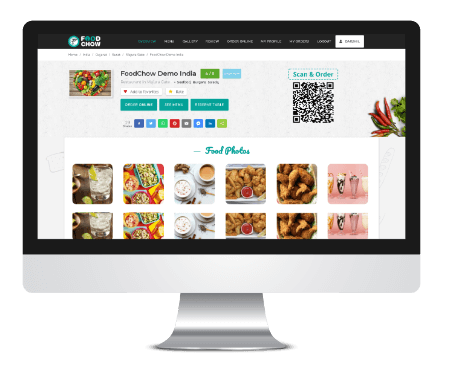
Without any designing or developing skills you can create your own single store food ordering restaurant.

Assets of Your Products
One of the crucial aspects to increase your sales is the asset, which contains Name, price attractive images, detailed descriptions and more.

Save & Update
You can not only save but also can update the details, which you entered, easily and quickly within a fraction of seconds. This will save a lot of time and effort.

Administration
Admins can decide which food categories, food items or food menus should be available to the user and which should not at this time in just one click.
Order Management Dashboard
You will find a single screen through which you are able to manage your orders. This dashboard will contain each and every pending, in-process, and completed orders so that you can keep track of orders accurately.
Every single detail of the order will be displayed to both, restaurant owners as well as customers with a single click.
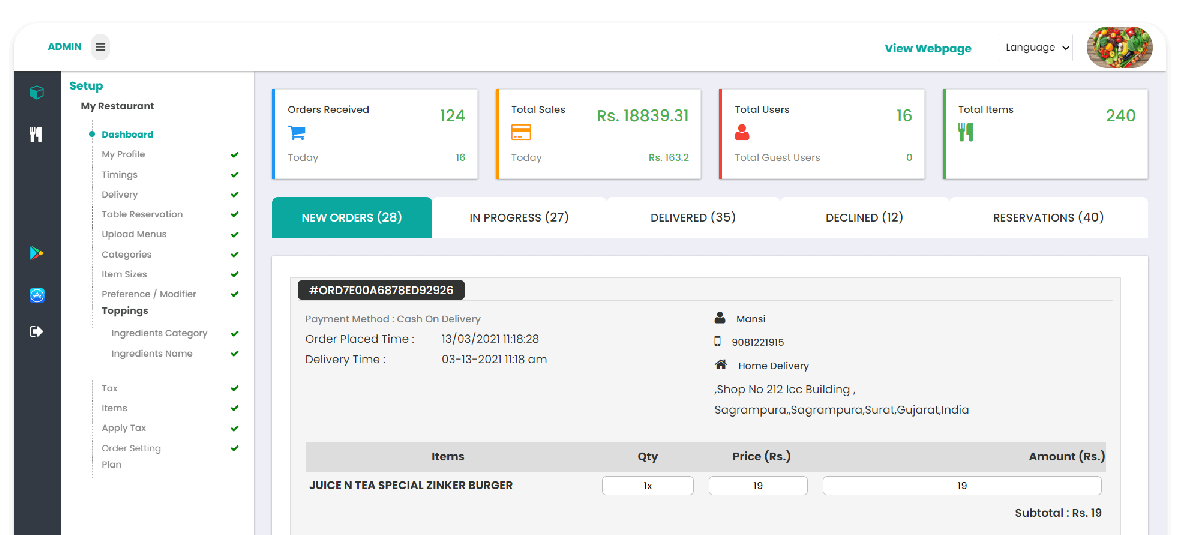

Status of Order

Order Details

Filters

Order Print
Take Away Your Order
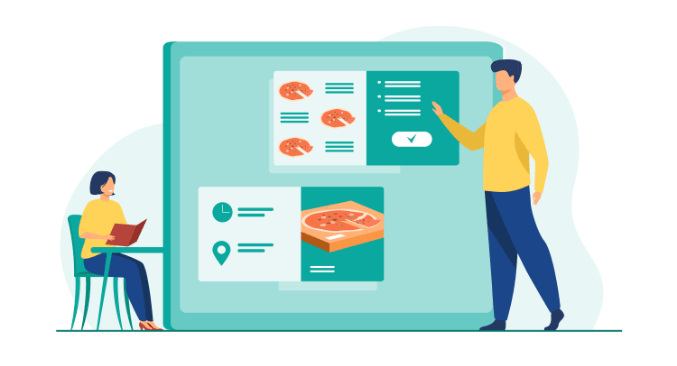
Customers don't have to wait for the restaurant to answer the phone or ask for a pickup time. They can simply go on to the website, see the menu, and place the order for the time they'd like to pick their food.
This solution has helped restaurant owners in increasing their sales as they don't miss a single order when the phone is occupied during busy hours.
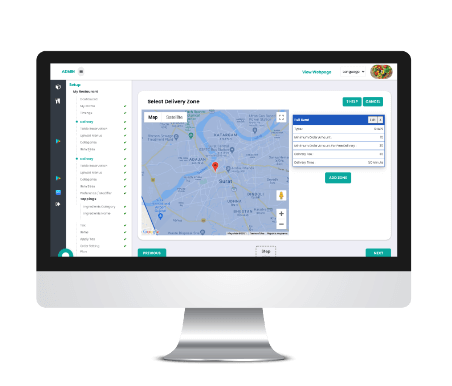
Delivery Zone Setup
Restaurant owners can add as many delivery zones as they want, through the "Delivery" section located in the admin dashboard.
Also, you can add separate delivery time, minimum order amount, minimum order amount for free delivery.

Get Order Notifications Every Time
We provide push notifications for every new order so that you will not miss out on any order!