
Restaurant POS Software: Features, Types and How to Choose
A POS is the one system every order passes through. Pick well and service gets faster, mistakes drop and you finally see your numbers. This guide explains the features, the types and the questions to ask, in plain language.
 Jigar Doriwala · Founder & CEO, FoodChow12 min read
In short: Restaurant POS software takes orders, prints bills and kitchen tickets (KOT), records payments and reports sales. The main types are cloud POS on a tablet or phone, all-in-one terminals, legacy on-premise systems and self-order kiosks or QR ordering. Choose by your service style: a QSR needs speed and KOT, a dine-in restaurant needs tables and split bills, a cloud kitchen needs online order handling. Start free, and pay only for features you will use.
Want to try a POS while you read? Start FoodChow Basic POS free. Billing and KOT are free for life.
- KOTkitchen tickets
- Tablesfor dine-in
- Splitbills for groups
- Onlineorders in one screen
- Reportsto run the numbers
 Free for life
Try FoodChow POS
- Billing + KOT printing, free
- QR, tables & reports on Lite
- Detailed reports on Premium
- 14-day Premium trial
What does restaurant POS software do?
POS stands for point of sale. In a restaurant it is the hub every order passes through:
- Order taking at the counter, table or from online channels.
- Bills printed or shared, with tax shown correctly.
- Kitchen order tickets (KOT) sent to the kitchen printer or screen.
- Payments recorded by mode.
- Reports on what sold, when, and how much.

What are the main types of restaurant POS?
| Type | How it works | Good for | Watch out |
|---|---|---|---|
| Cloud POS on tablet / phone | App on devices you own, data in the cloud | Most new restaurants, cafés, QSRs | Needs reliable internet; check offline billing |
| All-in-one terminal | Dedicated POS hardware with built-in printer | Busy counters that want one box | Higher hardware cost; vendor lock-in |
| Legacy on-premise | Software installed on a local PC | Restaurants with an old setup that works | Updates, backups and remote access are on you |
| Self-order: kiosk or QR | Guests order themselves, orders go to POS | High-footfall QSRs, dine-in with QR | Still needs a POS and kitchen flow behind it |
Which POS features does your type of restaurant need?
| Feature | QSR / café | Dine-in | Cloud kitchen |
|---|---|---|---|
| Fast billing + bill printing | Must | Must | Must |
| KOT to kitchen | Must | Must | Must |
| Table management | Nice | Must | Not needed |
| Split billing | Rare | Must | Not needed |
| QR ordering | Nice | Must | Not needed |
| Online order handling | Nice | Nice | Must |
| Coupons & offers | Nice | Nice | Must |
| Sales reports | Must once busy | Must | Must |
Our view, based on how each format serves guests. Your mix may differ.
How much does restaurant POS software cost?
Most POS pricing is one of three models: free plan with paid upgrades, monthly or yearly subscription, or hardware bundle with a year of software. Here is how FoodChow’s pricing works in India.
Bundles are sold on FoodChow Store with a GST invoice and a one-year printer warranty. Whatever you buy, add up software, hardware, paper rolls, training time and any per-order fees for one full year before you compare.

Every order on one screen. Every ticket in the kitchen.
Billing and KOT are free on FoodChow Basic POS. Add QR ordering, tables and reports with POS Lite when you’re ready.
What should you ask a POS vendor before buying?
- Is there a free plan or only a trial?And what exactly is in it.
- Which features are in which plan?Get it in writing.
- Does it print on my printer?ESC/POS, 58mm or 80mm, USB, LAN or Bluetooth.
- Is the bill GST-ready?Show a sample bill to your CA.
- Can it handle online orders?Your own page, aggregators and ONDC where relevant.
- What happens if the internet drops?Ask how billing continues.
- Can I export my data?Menu, customers and sales.
- Who trains my staff?And in which language.
- What does support look like?Hours, channels, response time.
- What is the full one-year cost?Software + hardware + fees.
Where does FoodChow POS fit?
Free for life: billing and KOT
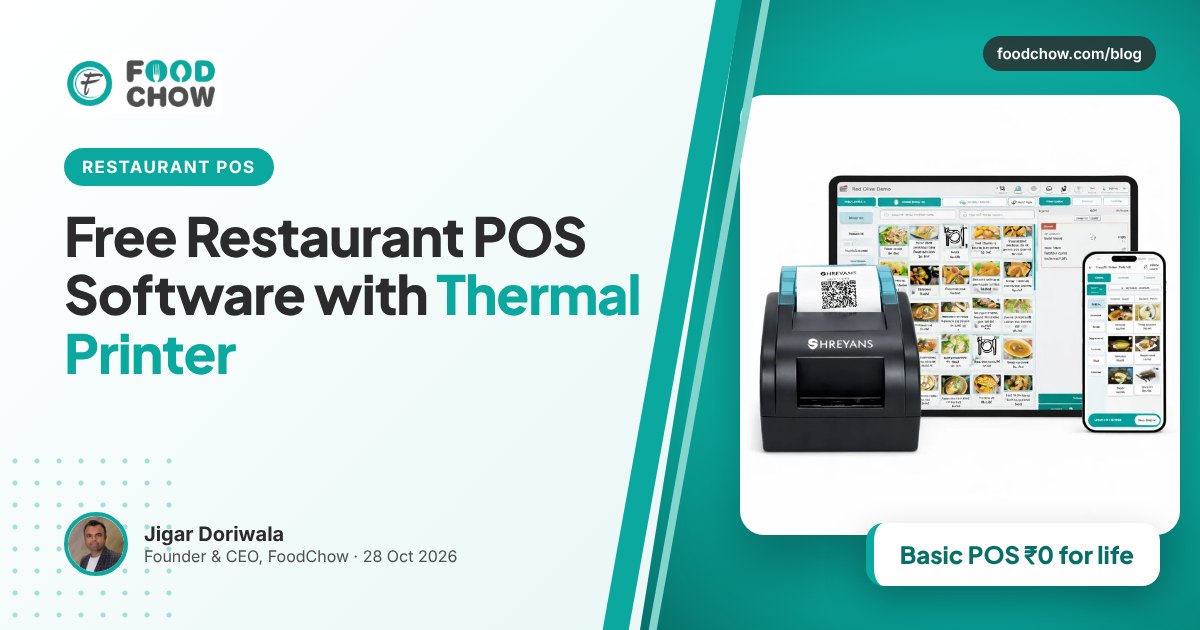
Bill at the counter and print bills and KOTs on any ESC/POS thermal printer, 58mm or 80mm. Setup steps are in our free POS with thermal printer guide.
QR ordering, table management and reports
For dine-in. Guests order from the table by QR, you see running tables at a glance, and you get sales reports.

Detailed reports, split billing, coupons, auto-accept online orders
For restaurants that want the numbers and run online orders at volume. Try it free for 14 days. To bring POS, online orders and reservations together, read how to unify your POS, online ordering and reservations. For a full walkthrough, see our FoodChow POS review on FoodChow Store.

Restaurant POS software: FAQs
What is restaurant POS software?
Restaurant POS software is the system you use to take orders, print bills and kitchen order tickets, record payments and see sales. Modern POS runs on a tablet, phone or PC and often connects to online ordering and QR menus.
What are the types of restaurant POS?
The common types are cloud POS on a tablet or phone, all-in-one POS terminals, legacy on-premise systems installed on a local computer, and self-order options such as kiosks and QR ordering at the table.
What features should a restaurant POS have?
At minimum fast billing, bill printing and menu management. Most restaurants also need KOT printing, table management, split billing, online order handling and sales reports. Choose by how you serve: counter, dine-in or delivery.
How much does restaurant POS software cost in India?
It ranges from free plans to paid monthly or yearly subscriptions. FoodChow Basic POS is free for life for billing and KOT printing. On FoodChow Store, a Shreyans 58mm printer with one year of POS Lite costs Rs 4,999 and with one year of POS Premium Rs 8,999.
Can I use a restaurant POS outside India?
Yes. Cloud POS works anywhere you have internet. FoodChow is live in 15+ countries; on the App Store, POS Lite is USD 9.99 a month and POS Premium USD 29.99 a month.

Start with the POS you can grow into.
Basic with KOT is free for life. Move to Lite for QR ordering, tables and reports, and to Premium for detailed reports, split billing and coupons, only when you need them.
Jigar has spent 14+ years in SaaS and digital strategy and has bootstrapped FoodChow for 8+ years. He helps restaurant owners set up billing, POS and commission-free ordering. Instagram
Sell or install POS systems for restaurants? Join the FoodChow partner program and add FoodChow to your offering.